
Page Contents
Last updated: October 2026
Good landing page ideas start with one question: what would make a visitor from this specific ad, email or search say yes? This guide collects 15 ideas that top landing page resources keep recommending, explains why each can work, and tells you what to test so you can check it on your own audience instead of copying a layout.
A caution: no idea works everywhere. Treat each one as a hypothesis. Benchmarks vary widely by industry and offer, so use them for context, not as promises.
What Makes a Landing Page Convert?
A landing page is a page built for one goal and one audience. It usually has fewer distractions than a normal site page. Four things drive results: a clear promise, relevant proof, low effort to act and a match with the traffic source. Unbounce’s 2024 Conversion Benchmark Report put the median conversion rate across industries at about 6.6%, with industry medians ranging from around 2.35% for e-commerce to around 12.3% for events (see the Unbounce benchmark report). Use your own past results as the main benchmark.
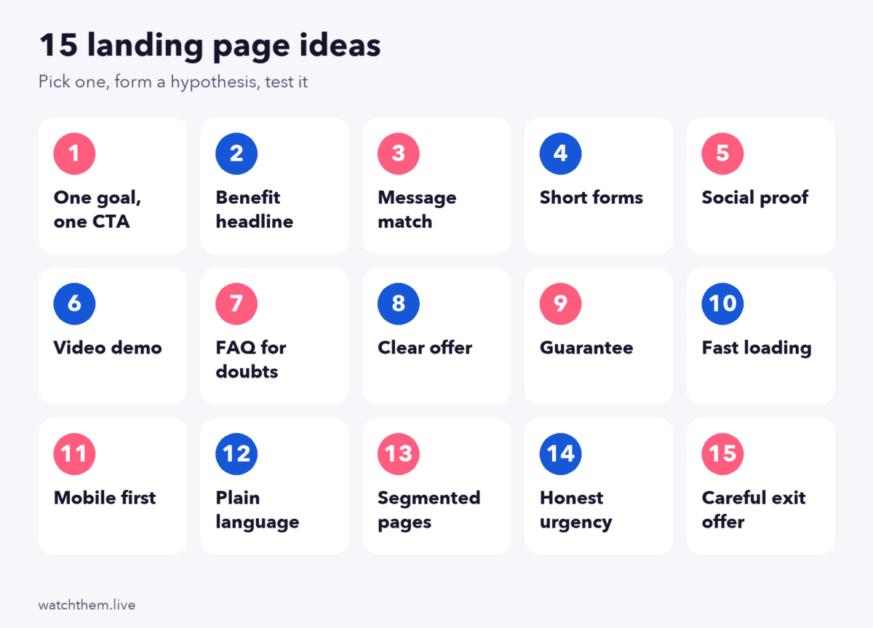
15 Landing Page Ideas to Test
1. A Benefit-Led Headline That Matches the Ad
Repeat the promise that got the click. If the ad says “Free shipping on first order,” the headline should say the same thing. This “message match” reduces the feeling of being in the wrong place.
2. One Primary Call to Action
Choose one main action and repeat the same button at logical points. Many top guides recommend a 1:1 attention ratio, meaning one goal and one link to act on. Use specific text such as “Get my free quote.”
3. A Short Form
Fewer fields mean less effort. VWO reported a test where removing three fields raised conversions by about 11%, and HubSpot’s analysis of more than 40,000 landing pages found that text areas and drop-downs hurt conversions most. Ask only for what you need now, and collect the rest later.
4. Plain Language
Unbounce found that pages written at a fifth to seventh grade reading level converted at about 11.1%, compared with about 7.1% for harder text. Write short sentences and avoid jargon.
5. Social Proof Near the Decision
Reviews, ratings, logos and short customer quotes build confidence. A well-known study by Spiegel Research Center found that displaying five reviews raised conversion likelihood by about 270% for the products studied, but that figure is not a guarantee. Put proof next to the button or form.
6. A Clear Visual of the Product or Result
Show the product in use, a result or a short demo. Prefer real images to generic stock pictures. Keep files light so the page stays fast.
7. A Short Video Explainer
A 30 to 90 second video can explain a complex offer. Place it near the top, show captions and test it against a static image, because video can also slow loading.
8. A Risk Reducer
Free trials, money-back guarantees, free shipping, clear return policies and “no credit card” notes lower perceived risk. Only claim what you can honor.
9. A Scarcity or Urgency Element, Used Honestly
A real deadline or limited stock can prompt action. Fake countdowns damage trust and may break consumer rules, so use only true limits.
10. A Benefits Section With Short Blocks
Turn features into outcomes. Three to five short blocks with an icon, a bold line and one sentence are easy to scan. Review a landing page checklist before launching to be sure the key elements are in place.
11. A Mobile-First Layout
Most visits come from phones, so design the phone view first: large buttons, short sections and fast loading. Core Web Vitals “good” thresholds are an LCP of 2.5 seconds or less, INP of 200 milliseconds or less and CLS of 0.1 or less (see the web.dev threshold guide).
12. A Focused Page Without the Main Navigation
Removing the site menu can keep attention on the goal, especially for paid traffic. Test it, because some audiences like having a way to explore.
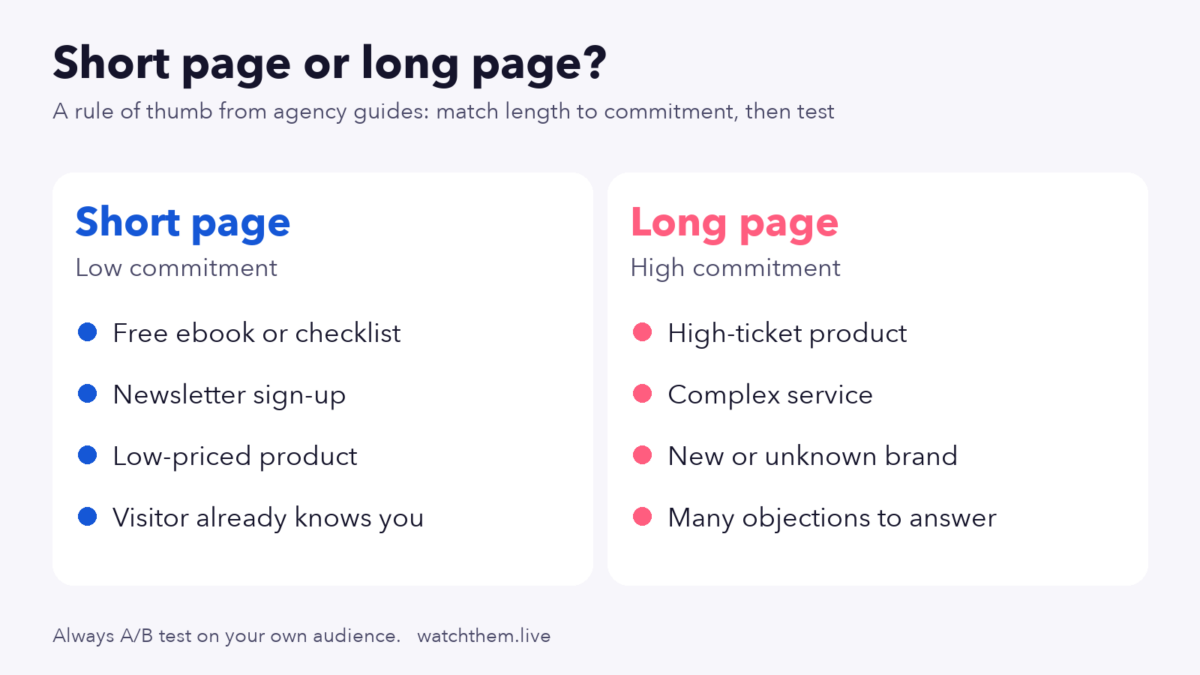
13. A Short or Long Page, Chosen by the Offer
Short pages suit simple, low-cost offers. Longer pages suit expensive or complex offers where people need more proof and answers. The tested answer is usually “it depends,” so run an A/B test. Our guide to below-the-fold web design tips shows how to structure long pages.
14. An FAQ That Answers the Objections
List the doubts customers actually raise, such as price, setup time, cancellation and support, and answer them in a few lines. Pull real questions from support tickets and chat logs.
15. A Test Plan and Tracking From Day One
The best idea is the one you can measure. Track views, clicks, form starts and completions, then test one change at a time. See how to run landing page testing for a method, and avoid the traps in common landing page testing mistakes.
Landing Page Ideas at a Glance
| Idea | Why it can work | What to test | Watch out for |
|---|---|---|---|
| Message match | Confirms the click was right | Ad headline vs your headline | Overpromising |
| Single call to action | Less choice, more focus | One button vs several | Vague button text |
| Short form | Less effort | 3 fields vs 6 | Lower lead quality |
| Plain language | Faster understanding | Simplified copy | Losing precision |
| Social proof | Reduces doubt | Reviews near the button | Fake or old reviews |
| Product visual | Shows value | Photo vs illustration | Heavy files |
| Short video | Explains quickly | Video vs image | Slower load |
| Risk reducer | Lowers perceived risk | Guarantee wording | Terms you cannot honor |
| Honest urgency | Prompts a decision | Deadline vs none | Fake timers |
| Benefit blocks | Easy to scan | Order of benefits | Too many blocks |
| Mobile-first layout | Most traffic is mobile | Sticky button | Hidden content |
| No main navigation | Keeps attention | With vs without menu | Users who want to explore |
| Page length | Matches offer complexity | Short vs long | Padding |
| FAQ | Answers objections | Questions chosen from tickets | Stale answers |
| Tracking and testing | Makes learning possible | One change at a time | Stopping tests early |
Short Page or Long Page?
| Situation | Better fit | Reason |
|---|---|---|
| Free download, newsletter, low-cost item | Short | Little persuasion needed |
| High price, new category, B2B service | Long | More proof and detail needed |
| Warm traffic that knows you | Short | Visitors already trust you |
| Cold traffic from ads | Often longer | Visitors need to be convinced |
These are starting points, not rules. Test them with your own audience.
The Anatomy of a Page That Converts
Most strong landing pages follow the same order, which matches how a visitor decides. First comes the promise: a headline and a short supporting line that say what the visitor gets. Second comes the main action, visible without scrolling on both phone and desktop. Third comes proof, such as ratings, logos or a short quote. Fourth comes the explanation: three to five benefits, how it works and what is included. Fifth comes the answers to doubts, through an FAQ, a guarantee or a pricing note. The page ends by repeating the main action, so that a visitor who has read everything does not have to scroll back up.
Use this order as a starting template and then change one element at a time. If a section does not help the visitor decide, remove it. If a question keeps appearing in support chats, add it. Over several rounds the page ends up shaped by your audience instead of by a template.
Before You Launch: A Quick Pre-Launch Check
- Does the headline match the ad, email or search result that brings visitors here?
- Is there one main action, with specific button text?
- Does the page load quickly on a mid-range phone over a normal mobile connection?
- Do the form fields work with autofill, and are error messages clear?
- Are conversions tracked, and has a test submission been recorded correctly?
- Are all claims, prices and guarantees accurate and easy to find in the terms?
How to Measure Landing Page Performance
- Conversion rate: conversions divided by visitors to the page.
- Click-through rate on the main button and form start rate.
- Form completion rate: completions divided by form starts.
- Scroll depth and engagement to see whether people reach your proof and call to action.
- Segments: device, source and campaign.
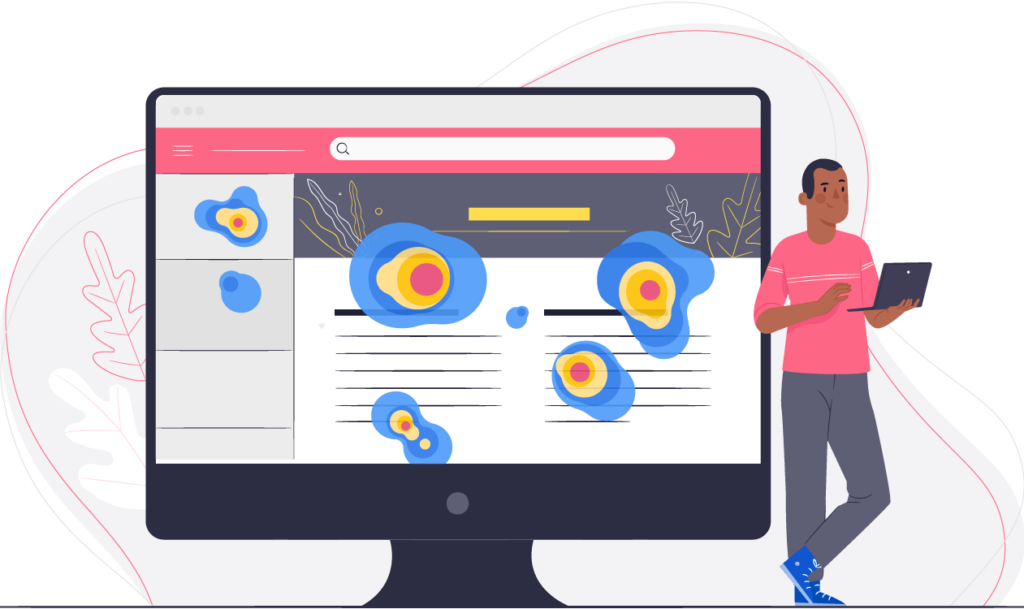
See landing page metrics worth tracking for definitions and formulas. Then watch what visitors do with website heatmaps and scroll maps to see which of the 15 ideas deserves a test.
Common Landing Page Mistakes
- Several competing goals on one page.
- Headlines that do not match the ad.
- Long forms for simple offers.
- Fake testimonials or timers.
- Slow pages with heavy images and scripts.
- Calling a test early, before enough visitors have seen it.
Frequently Asked Questions About Landing Page Ideas
What is a good conversion rate for a landing page?
It varies. Unbounce’s 2024 report put the cross-industry median near 6.6%, with industry medians from about 2.35% to about 12.3%. Compare against your own past results first.
How long should a landing page be?
As long as needed to answer the questions of your audience. Simple offers suit short pages, and complex or expensive offers often need more detail.
Should a landing page have navigation?
Many focused campaign pages remove it to keep attention on one goal. Test it for your audience.
How many form fields should I use?
Use as few as you can while still getting leads you can follow up on. Tests often show gains from removing optional fields.
Which idea should I test first?
Start with message match, the headline and the form, because they affect every visitor. Then test proof, visuals and page length.
Conclusion
The best landing page ideas make the next step obvious, the promise believable and the effort small. Match the message to the traffic, keep one goal, use honest proof and short forms, and make the page fast on phones. Then measure everything and test one change at a time, so each idea becomes evidence instead of opinion.
